
Creating an AI music video is not just one prompt. A good result starts with the song, then turns the lyrics and timing into a visual plan.
AIMusicVideo is built around that workflow: upload or import a song, choose a visual theme, pick a destination or scene world, generate storyboard frames, create scene clips, then combine the final MP4.
Start With the Song Structure
The strongest AI music videos follow the natural shape of the track. The intro, verse, chorus, bridge, and outro should not all look the same.
Before generating scenes, map the song into visual beats. A verse can use close-ups and quiet movement. A chorus can use wider shots, brighter lighting, and faster motion. A bridge can move to a new sub-location inside the same story world.
- Intro: establish the world before the first lyric.
- Verse: show the protagonist, location, and emotional tension.
- Chorus: make the visual payoff bigger and easier to remember.
- Outro: resolve the story or leave a final iconic image.
Choose a Theme and Destination
A theme controls the look: cinematic music video, stage performance, neon noir, Y2K club energy, cartoon character in a real scene, fashion editorial, and more. A destination controls where the video happens: Tokyo crosswalk, Eiffel Tower, spaceship cockpit, warehouse rave, beach night drive, or a custom scene idea.
The trick is combining both. Instead of asking for a generic singer, build a visual recipe that feels like a real music video concept.
Generate Storyboard Frames First
A finished music video needs continuity. Storyboard frames let you inspect the look before spending credits on scene video generation.
Use the first storyboard pass to answer simple questions: does the character look right, does the location match the song, is the text readable, and does the scene flow make sense from one beat to the next?
Turn Approved Frames Into Scene Clips
Once the images feel right, generate short video clips for each scene. This is where the camera movement, performance energy, and lyric timing start to feel alive.
If one scene misses, remix that scene instead of rebuilding the whole video. This keeps the project controlled while still letting you experiment.
Combine the Final Music Video
After the scene clips are ready, the final combine step stitches the clips into one MP4 with the song audio and timing. That final export is the version you can download, publish, or share.
The result is a complete song-to-video workflow instead of a folder full of disconnected AI images.
Example videos
Finished theme music videos — click a card to watch.
 Video
Video
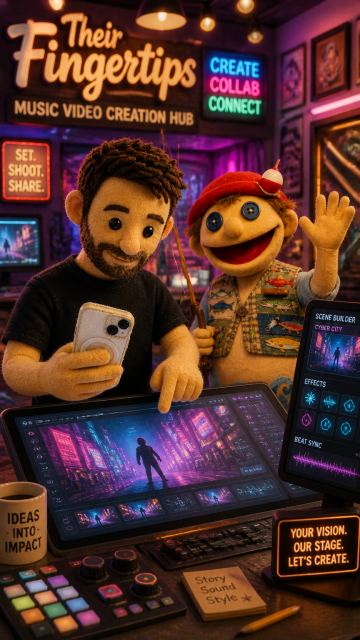
Imagine a vibrant, dynamic montage showcasing creators effortlessly transforming their songs into stunning AI-generated music videos. With scenes flipping through various artistic styles—neon cyberpunk, anime, and watercolor—viewers feel the excitement of unlimited creativity at their fingertips. The upbeat, engaging tone invites aspiring artists to upload their tracks, remix visuals, and watch their musical visions come to life in just a few clicks.
 Video
Video
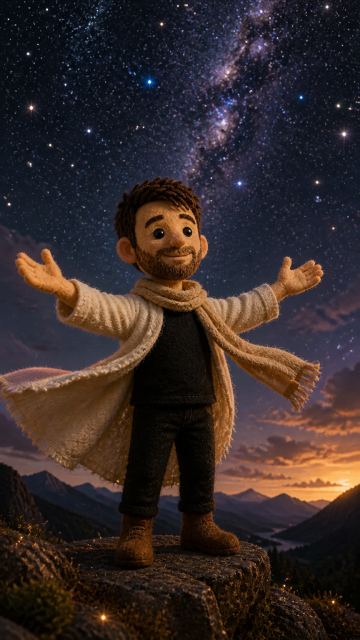
Auto-direct a one-shot music video from the selected dashboard song. Selected song: galaxy. Analyze the song title, lyrics/LRC timing, audio structure, mood, genre, pacing, and emotional arc. Choose the strongest story world, locations, performer action, camera movement, visual style, and scene progression for the song.
 Video
Video
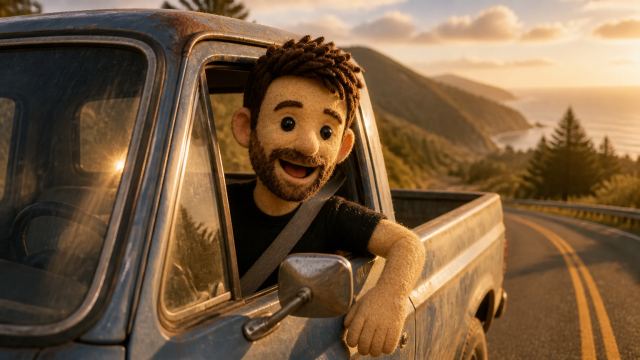
Auto-direct a one-shot music video from the selected dashboard song. Selected song: Featured2. Analyze the song title, lyrics/LRC timing, audio structure, mood, genre, pacing, and emotional arc. Choose the strongest story world, locations, performer action, camera movement, visual style, and scene progression for the song.
 Video
Video
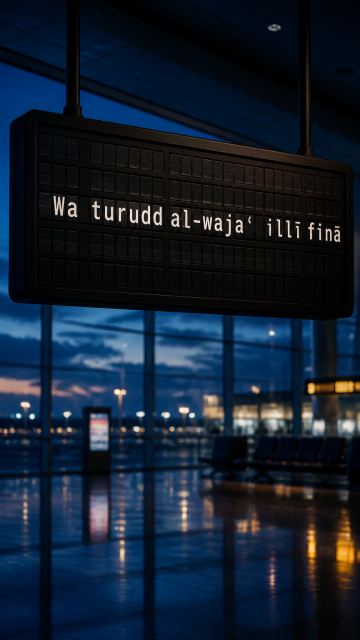
Cinematic Lebanese southern village atmosphere, dramatic skies, mountains and olive groves, emotional storytelling, powerful singer performing outdoors, epic cinematic shots, intense mood, symbolic scenes of resilience and endurance, traditional Lebanese architecture, high-quality music video, realistic visuals, dynamic camera movement, cinematic lighting, 4K, professional production, synchronized with music beats.
Example characters and storyboard frames
Theme characters from the AIMusicVideo.com gallery.
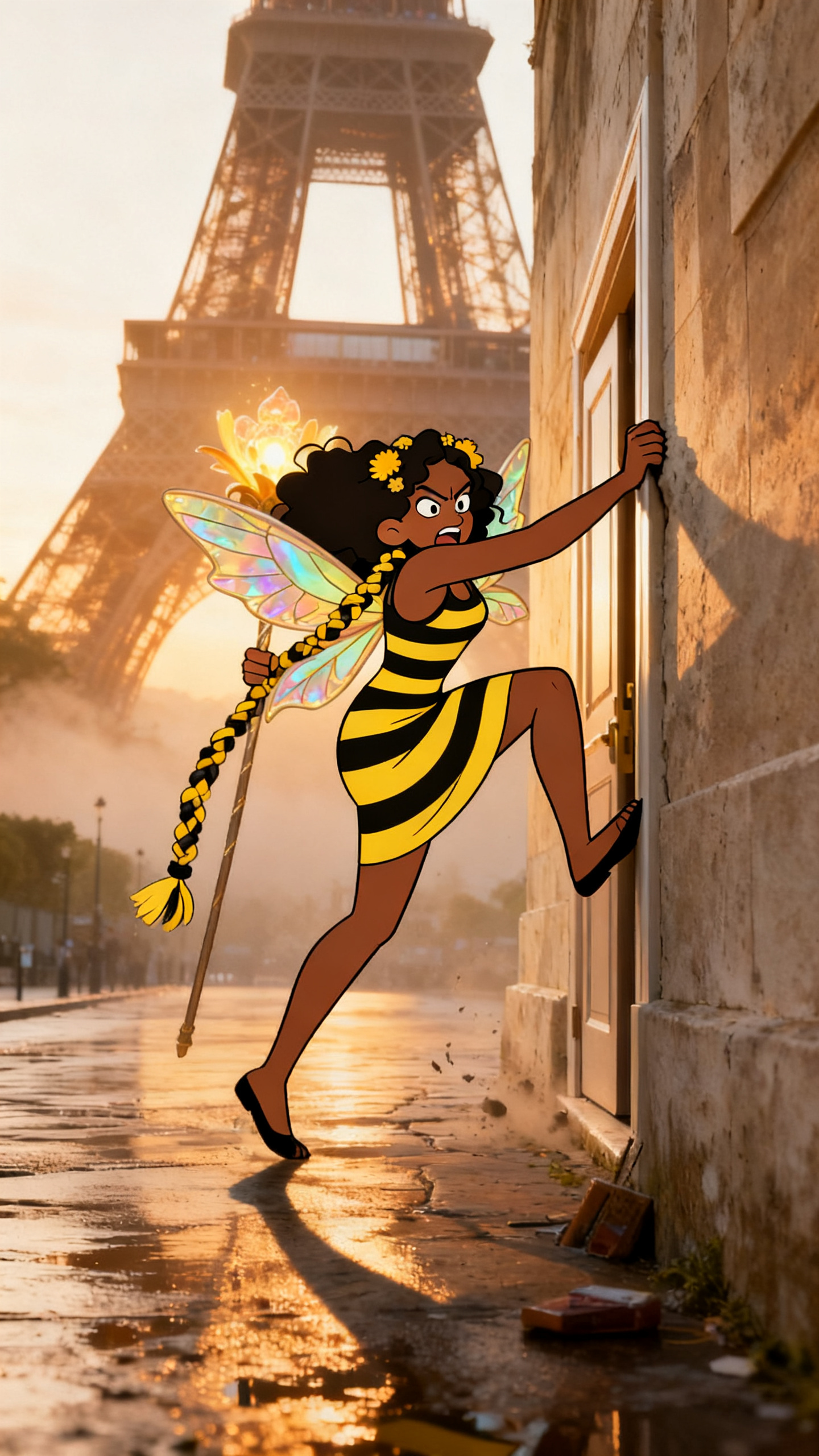 Frame
Frame
A storyboard frame from a character-led video, using a real Paris scene as the destination.
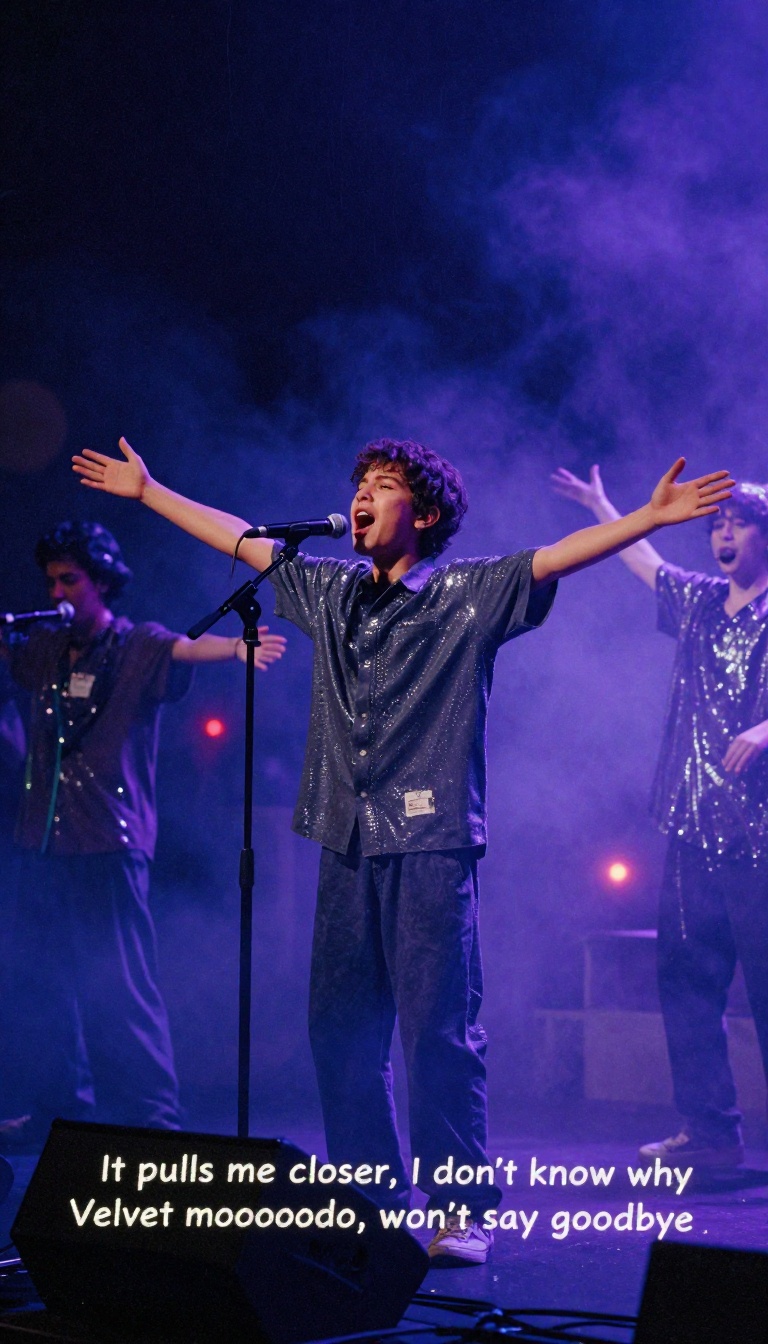 Frame
Frame
A live-stage example showing how performance locations create usable shots for a full song.
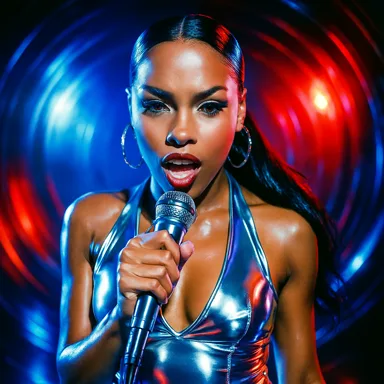 Frame
Frame
A bright, glossy theme example built for club, pop, and rap-style videos.
Upload your song and let the timeline guide your storyboard from start to finish.
Upload your song